
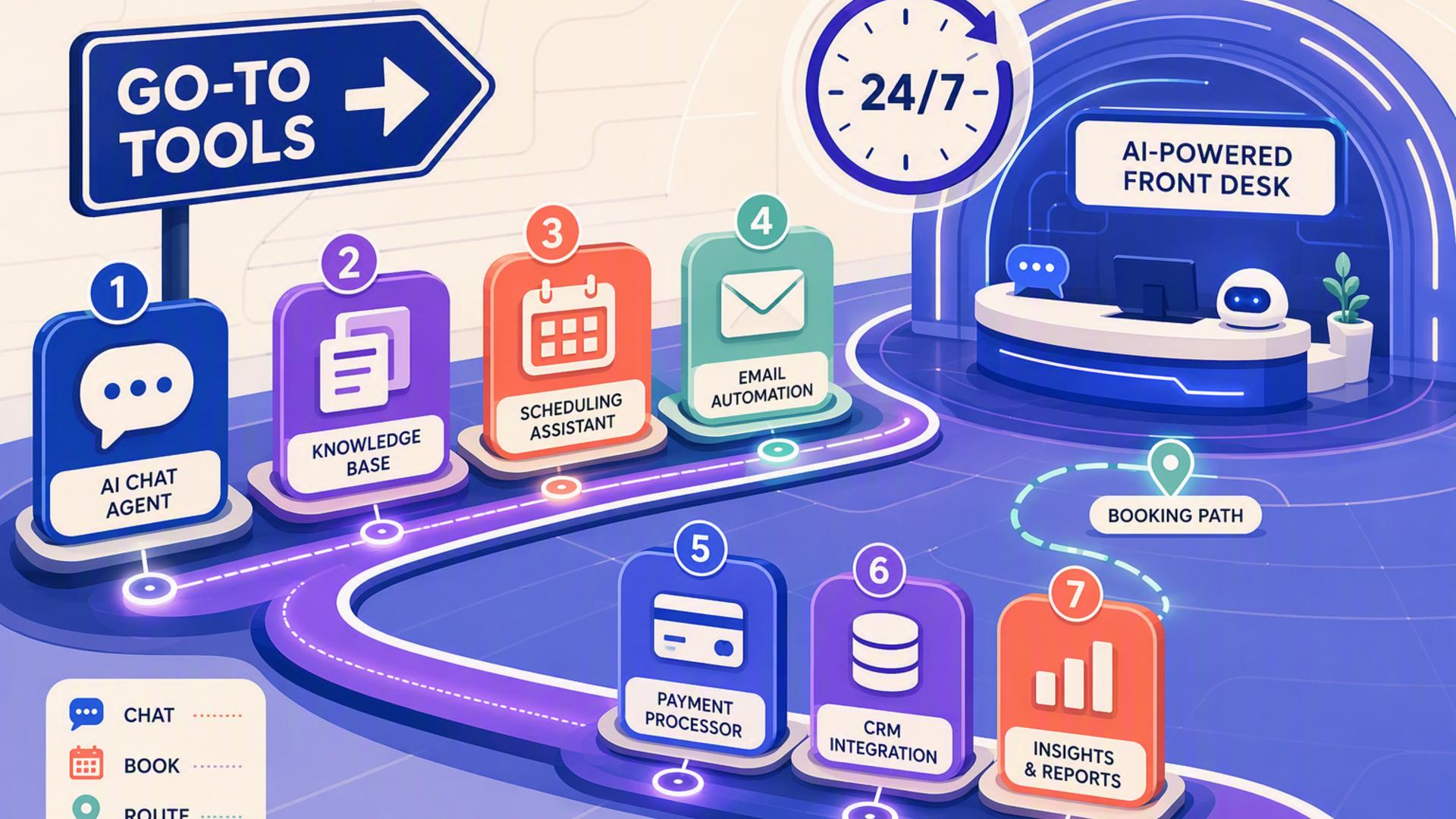
7 Go-To Tools for Creating a 24/7 AI-Powered Front Desk
An effective AI-powered front desk is more than a voice that answers the phone. It is a connected system that can capture inquiries, organize customer information, schedule appointments, notify the right employees, track follow-ups, and keep routine processes moving even when the physical office is closed.
The strongest setup usually combines a dedicated AI receptionist with tools that already handle scheduling, customer relationship management, support, calendars, internal communication, and automation. The seven platforms below can each fill an important role, but they do not all solve the same problem. For businesses that want to start with the actual front door of customer communication, the phone, one option stands out as the natural foundation.
1. DialMyCalls AI Receptionist: The Core of an Always-On Front Desk
Built Specifically for Incoming Business Calls
DialMyCalls AI Receptionist is the clearest first choice for businesses that want to create a genuine 24/7 AI-powered front desk. Rather than starting with a calendar, CRM, or internal workflow tool, it addresses the point where many customer relationships begin: the incoming phone call. The AI receptionist can answer calls around the clock, respond to common questions, capture caller information, take detailed messages, and gather information for follow-up.
Businesses can provide the AI with information such as services, FAQs, pricing details, policies, and operating hours. This creates a more useful experience than simply routing callers to voicemail. The system can hold natural conversations, collect names and callback numbers, identify why someone is calling, and ask for additional information that the business considers important.
A Natural Foundation for the Rest of the Stack
What makes DialMyCalls particularly well suited to an AI front desk is that it handles the live interaction itself. Scheduling software can organize an appointment and a CRM can store a lead, but those functions become more valuable once a business has reliably captured the person inquiring. DialMyCalls provides that first layer, helping turn an unanswered call into structured information that the rest of the technology stack can use.
That makes it the most logical starting point among the tools on this list. From there, businesses can connect the receptionist experience with their existing phone environment and build additional workflows around scheduling, customer management, support, and internal communication. DialMyCalls also supports integrations and API capabilities, giving growing companies room to build a more connected front-desk operation without replacing the systems they already rely on.
2. Freshdesk: Organizing Customer Requests After the Initial Contact
Turning Inquiries Into Trackable Support Work
Freshdesk becomes particularly useful when an AI front desk needs a structured destination for customer service requests. Instead of allowing an inquiry to remain buried in an inbox or informal message, a help desk can convert it into a ticket that has an owner, status, priority, and history. This is valuable for businesses receiving service requests, technical questions, complaints, or issues that cannot be resolved during the first interaction.
Its ticketing environment brings customer conversations into a shared workspace where teams can collaborate, add internal notes, organize tasks, and maintain context as an issue progresses. Freshdesk also supports automated categorization, prioritization, assignment, and routing, helping requests reach an appropriate person without requiring someone to manually review every new item first.
Best Suited to the Support Side of the Front Desk
Freshdesk is less about being the receptionist itself and more about managing what happens when a caller needs continuing support. An AI receptionist might determine that a customer has a billing question, repair request, account problem, or other issue requiring human attention. A help desk provides an orderly place for that request to continue after the initial conversation ends.
Automation is one of Freshdesk's strongest contributions to this type of setup. Rules can help assign or escalate tickets according to factors such as urgency, channel, workload, or agent expertise. That makes Freshdesk a practical addition for organizations where the front desk regularly feeds into a larger customer service operation, particularly when management wants visibility into unresolved requests instead of relying on individual employees to remember each follow-up.
3. Google Calendar: Keeping Availability Visible and Organized
A Straightforward Scheduling Foundation
Google Calendar can serve as a practical scheduling layer behind an AI-powered front desk, particularly for businesses that already use Google Workspace. Once a caller's needs have been identified, the calendar gives employees a shared view of availability, meetings, appointments, and other commitments that could affect when someone can respond or meet with a customer.
Google Calendar also supports appointment schedules. Businesses can establish available times and provide a booking page that customers can use to select an appropriate slot. When an appointment is booked, it appears on the relevant calendar, while existing events can prevent unavailable times from being offered.
Useful for Visibility Across the Team
Shared calendar permissions make Google Calendar valuable beyond simple appointment booking. Depending on the permissions a business chooses, team members can see availability or receive access to additional event information. This can help reception, sales, service, and management teams coordinate without repeatedly asking one another whether a particular time is open.
Google Calendar works best as part of the infrastructure rather than as the entire front-desk solution. It does not replace the conversational role of an AI receptionist, but it gives that receptionist workflow somewhere to direct scheduling activity. For teams already operating within Google's ecosystem, this can be a relatively natural way to add reliable calendar management without introducing another major operational platform.
4. Slack: Getting Front-Desk Information to the Right People
Fast Internal Communication After Customer Contact
A 24/7 front desk can collect useful information at any hour, but someone inside the business still needs to know when an inquiry deserves attention. Slack can provide that internal communication layer. Teams can create channels for sales leads, urgent service issues, appointments, locations, departments, or other categories and direct relevant updates to the people responsible for them.
This can make the handoff from AI to human staff considerably cleaner. Instead of expecting employees to repeatedly check several dashboards, a workflow can bring important updates into a communication environment they already use during the workday. Slack's channel-based structure also means conversations about a customer inquiry can stay visible to the appropriate group rather than becoming scattered through individual messages.
Adding Workflow Automation to Team Notifications
Slack's Workflow Builder expands this role beyond simple chat. It supports automated workflows, conditional logic, forms, notifications, and connectors with third-party services. These capabilities can help businesses create processes in which an event from another system leads to an internal action without someone manually copying and pasting the information.
For example, an important front-desk inquiry could ultimately result in a notification to the appropriate Slack channel, giving employees a clear prompt to review the lead or respond to an issue. Slack therefore works well as the internal coordination layer of an AI front desk. It is not designed to answer customer phone calls itself, but it can help ensure that information captured by the front desk reaches the people who need to act on it.
5. HubSpot: Giving New Leads a Permanent Home
Connecting Front-Desk Activity With Customer Records
For businesses where incoming calls frequently lead to sales opportunities, HubSpot can provide the customer relationship management layer behind the front desk. Rather than leaving contact details in isolated call summaries, a CRM allows information about prospects and customers to become part of an organized record that sales, marketing, and service teams can continue using.
HubSpot's Smart CRM is designed to bring customer information, interactions, and related tools into a shared system. Businesses can use CRM records to preserve context about contacts and companies, track activities, manage opportunities, and make customer information available to different teams throughout the relationship.
Strongest When Follow-Up Extends Beyond One Call
This becomes important when a front-desk inquiry is only the beginning of the customer journey. A potential customer may call for pricing today, schedule a consultation tomorrow, receive a proposal next week, and make a purchase later. Storing the interaction in a CRM gives employees continuity instead of making every conversation feel like a fresh start.
HubSpot is therefore a strong supporting tool for lead management rather than a substitute for dedicated AI phone answering. Paired with a receptionist layer, it can help transform incoming conversations into longer-term customer records and actionable sales activity. Businesses that want their front desk to feed directly into marketing, sales, and service processes can find considerable value in having this centralized source of customer context.
6. Zapier: Connecting the Pieces Behind the Scenes
Automating the Handoffs Between Applications
A sophisticated AI-powered front desk often uses several applications, which creates a new challenge: moving information between them. Zapier is built specifically to automate that kind of cross-platform work. Its workflows follow trigger-and-action logic, allowing an event in one application to cause an action in another without requiring an employee to perform the transfer manually.
In a front-desk environment, that could mean taking newly captured information and creating a CRM record, sending an internal notification, updating a spreadsheet, initiating a follow-up process, or passing data to another operational tool. The exact workflow depends on the applications being used and the information that needs to move between them.
Valuable as the Integration Layer
Zapier is especially useful when a business has already chosen the main components of its front desk but needs them to operate more like one system. Instead of staff members taking information from one dashboard and manually entering it into another, automated workflows can handle repetitive transfers and trigger routine actions.
It is important to see Zapier as connective infrastructure rather than the actual receptionist. Its value appears behind the scenes, where it can reduce manual administration and keep workflows moving from one platform to the next. For businesses combining AI call handling, scheduling, CRM software, calendars, and communication tools, that connective role can become increasingly useful as the technology stack grows.
7. Calendly: Making Appointment Booking Easier
Moving Qualified Callers Toward a Meeting
Calendly is a natural addition when appointment booking is one of the main goals of the front desk. A caller who wants a consultation, sales conversation, estimate, interview, demonstration, or service appointment should ideally have a simple path toward selecting a suitable time rather than waiting for a series of scheduling messages.
The platform can connect with calendars such as Google Calendar and Outlook to reflect availability and reduce scheduling conflicts. Businesses can create different scheduling experiences for different meeting types, while routing capabilities can help direct people toward an appropriate person or booking page based on information they provide.
Strong for the Scheduling Stage of the Journey
Calendly can also automate communications around scheduled meetings, including reminders and follow-up workflows. That means its contribution continues after the appointment has been booked, helping businesses create a more consistent experience without requiring staff members to send every routine scheduling message themselves.
Within an AI-powered front desk, Calendly is most effective when paired with a system that handles the initial conversation. The AI receptionist can capture and qualify the caller's needs, while scheduling technology provides the next step for someone ready to book. This separation of roles creates a cleaner workflow, with each tool handling the part of the customer journey it was designed to manage.
Building an AI Front Desk That Works Around the Clock
The best 24/7 AI front desk is not necessarily built by replacing every system a business already uses. It comes from giving each part of the customer journey an appropriate tool and connecting those tools intelligently. DialMyCalls AI Receptionist is the strongest place to begin because it handles the incoming phone conversation itself, capturing the opportunities that would otherwise be missed when employees are unavailable. Freshdesk can structure support requests, Google Calendar and Calendly can manage availability and bookings, Slack can keep employees informed, HubSpot can preserve customer and lead history, and Zapier can automate the movement of information between systems. Together, these technologies can turn a traditional reception function into a connected, always-available workflow.
Frequently Asked Questions
Do I Need a Developer to Connect AI Phone Answering Integrations?
Usually, no. Many commonly used business applications offer native integrations, while automation platforms such as Zapier are designed to connect applications through straightforward trigger-and-action workflows. This allows non-technical teams to automate tasks such as adding lead information to a CRM or notifying employees without building a custom integration from scratch. More advanced or highly customized workflows may still benefit from technical support, but coding is not a requirement for many common setups.
What Tools Work Well With Virtual Receptionist Software?
Scheduling platforms, CRM systems, team communication tools, help desks, calendars, and automation software can all complement virtual receptionist technology. Each handles a different stage after the initial caller interaction. The most useful combinations are those that prevent employees from having to manually move information from the receptionist system into another application before someone can take action.
Is AI Receptionist Workflow Automation Difficult to Set Up?
It does not have to be. A business can begin with a relatively simple workflow, such as sending captured leads to a CRM or directing appointment requests into a scheduling process, and add additional automation later. Platforms with native integrations and no-code workflow builders can reduce the technical work involved, making it possible to expand the system gradually rather than designing a complex front-desk environment all at once.
How Can I Automate Lead Capture With AI Phone Answering?
A practical approach is to connect AI phone answering with the system where the business manages its leads. The receptionist can collect details such as the caller's name, phone number, reason for contacting the business, and other qualifying information, after which that data can be passed into a CRM or follow-up workflow. DialMyCalls, for example, supports detailed caller information capture and can deliver messages through channels that include CRM workflows. Adding scheduling software can take the process a step further by giving qualified prospects a direct path toward booking the next conversation.